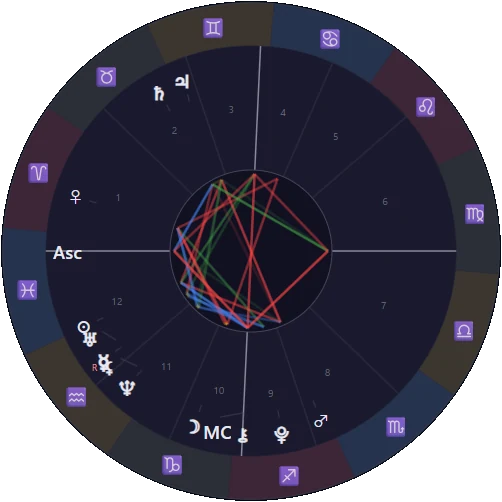
LIBER CAELI
Book of the Heavens
The sky at the moment you were born, in one chart — a book for reading yourself in the stars.
Open the map of the sky
Liber Caeli is Latin for “Book of the Heavens”. It is a Western astrology app of the Caelum series, sister to the tarot app Liber Arcanorum.
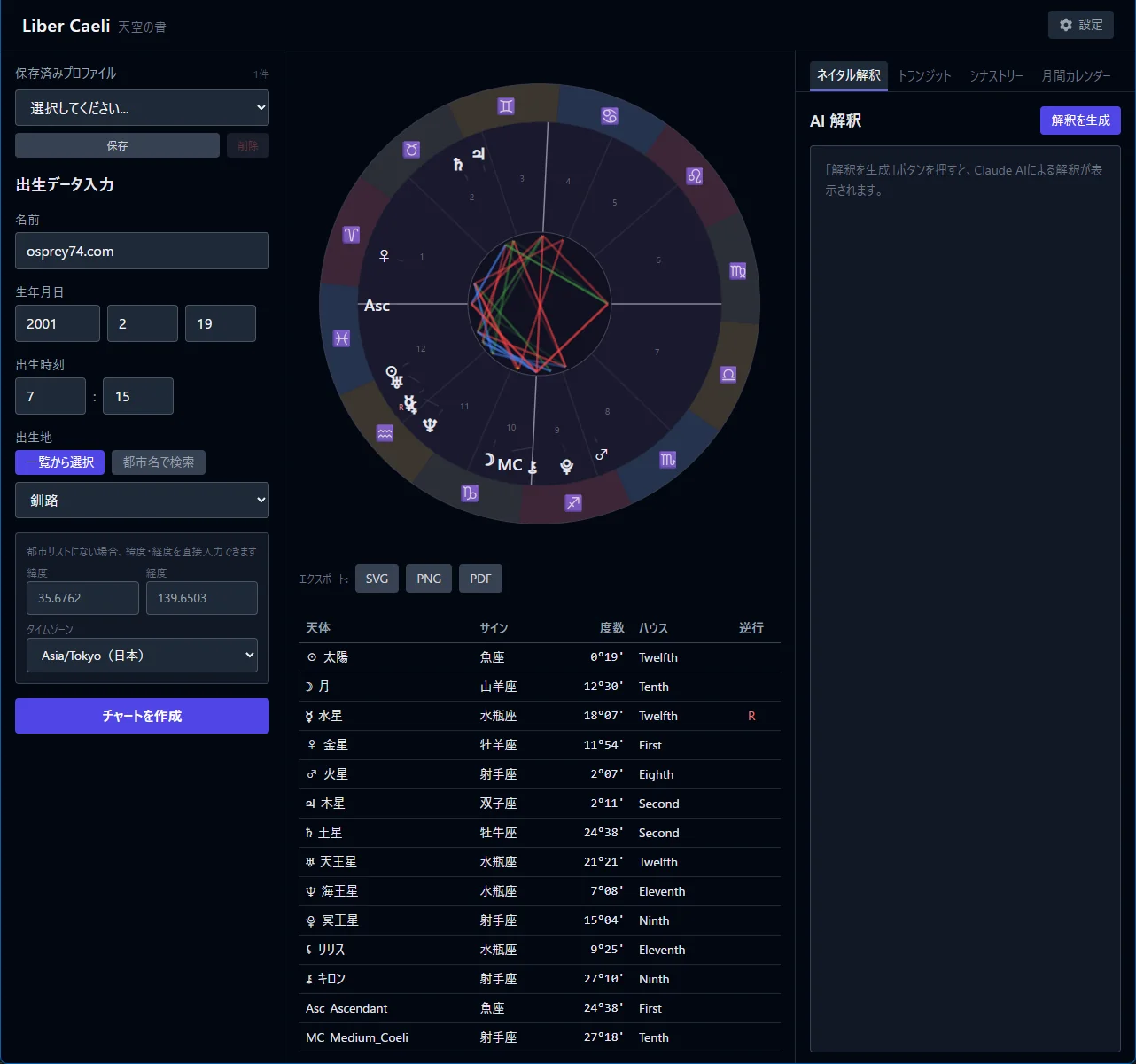
A natal chart is a map of the Sun, Moon and planets at the moment of birth. The app draws the planets, signs, houses and aspects as a chart and a table, and helps you read them with a glossary and, if you like, an AI interpretation.
Features
Natal chart
From the date, time and place of birth, the app draws the chart wheel and a table of positions: ten planets plus Chiron, Lilith and the Part of Fortune.
Three house systems
Placidus (default), Whole Sign and Equal House, on the tropical zodiac.
Transits and synastry
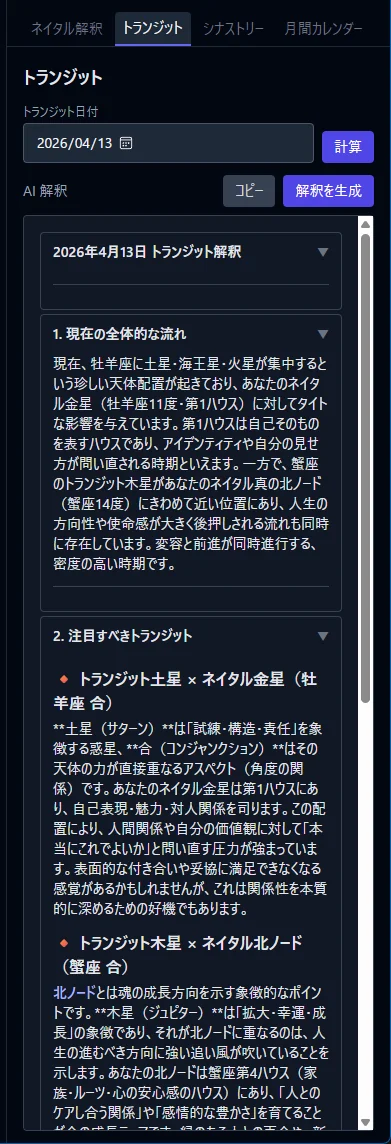
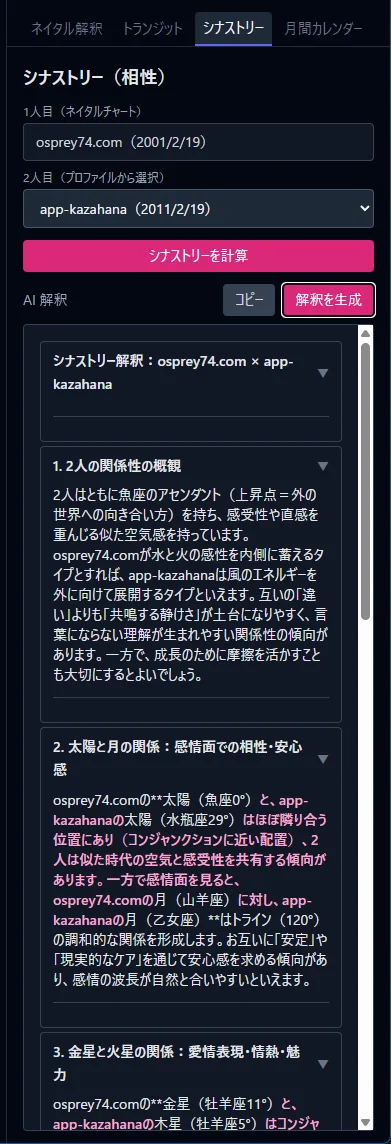
Bi-wheels for the planets of any day over your natal chart, and for two charts together to look at a relationship.
Monthly calendar
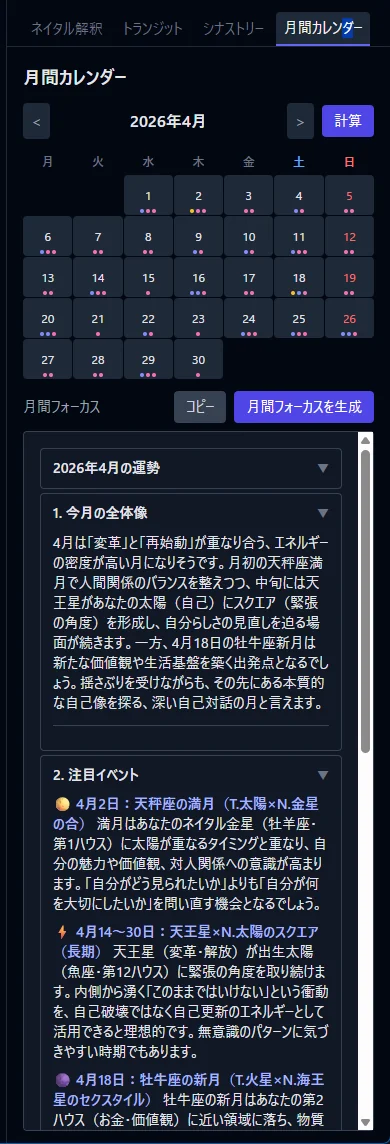
New and full moons, sign ingresses, retrograde stations and aspects to your natal chart, day by day.
Glossary
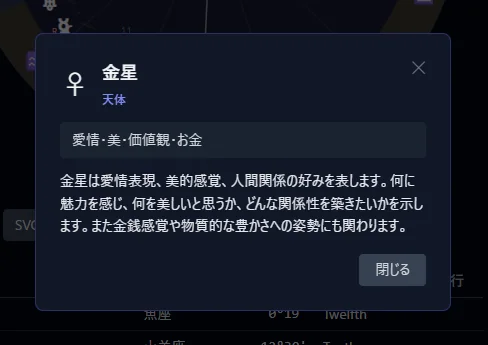
Select a planet, sign, house or aspect in the chart to read what it means.
AI reading and export
Interpretations by Claude for natal, transit, synastry and monthly charts, and export to SVG, PNG or PDF. The interface is in English or Japanese.
Screens
The screenshots show the Japanese interface; the app can also be switched to English.
AI reading
Anthropic’s Claude reads the computed chart and writes about character and tendencies, or how today’s sky meets your chart. The text streams in as it is written and can be exported to PDF.
It is entirely optional: charts, the glossary, the calendar and export all work without AI.
API usage is billed to you. As a guide, a natal interpretation costs about 4–7 yen and a transit or synastry interpretation about 6–9 yen (estimated with Claude Sonnet 4.6; it depends on the length of the text).
Your own API key
Register a key issued in the Anthropic Console in the settings. It is kept in the OS credential store (Keychain on macOS, Credential Manager on Windows).
What is sent
When you generate an interpretation, the chart data (including the name and birth data, and the planetary positions) goes to Anthropic. The chart itself is computed on your computer.
No key? Generate the prompt
“Generate prompt” gives you the instructions and the chart data to paste into another AI.
Please note
Astrology is for self-understanding and reflection; it does not predict the future. For decisions about health, money or the law, please consult a professional.
Download
Windows
The installer is not code-signed, so Windows may say “Windows protected your PC” the first time. Choose “More info” and then “Run anyway”.
macOS
Open the .dmg and move the app to Applications. If macOS says the app cannot be opened because the developer cannot be verified, allow it with “Open Anyway” in System Settings › Privacy & Security. If the app stays on the loading screen, run this command in Terminal and start it again:
xattr -cr /Applications/caelum.appFAQ
Is it free?
The app is free. Only the AI reading uses Anthropic’s API, which is billed to you.
Does it work offline?
Yes. Charts are computed on your computer; choose the birthplace from the built-in city list or enter the latitude and longitude. Searching for a place by name and the AI reading need a connection.
What if I don’t know the birth time?
The time is used for the houses and the Ascendant. You can use noon, for example, but take the houses and the Ascendant only as a rough guide.
Where are my profiles kept?
On your computer. The app goes online only to generate an AI interpretation and to search for a place by name (with OpenStreetMap Nominatim).
Is the app in English?
Yes. Choose English or Japanese in the settings; AI readings follow the language you choose.